How to Build a Wedding Guest List (With a Free Template)
The columns that actually matter, how to split the list between both sides, and a free spreadsheet template to start from — plus when a spreadsheet stops being enough.
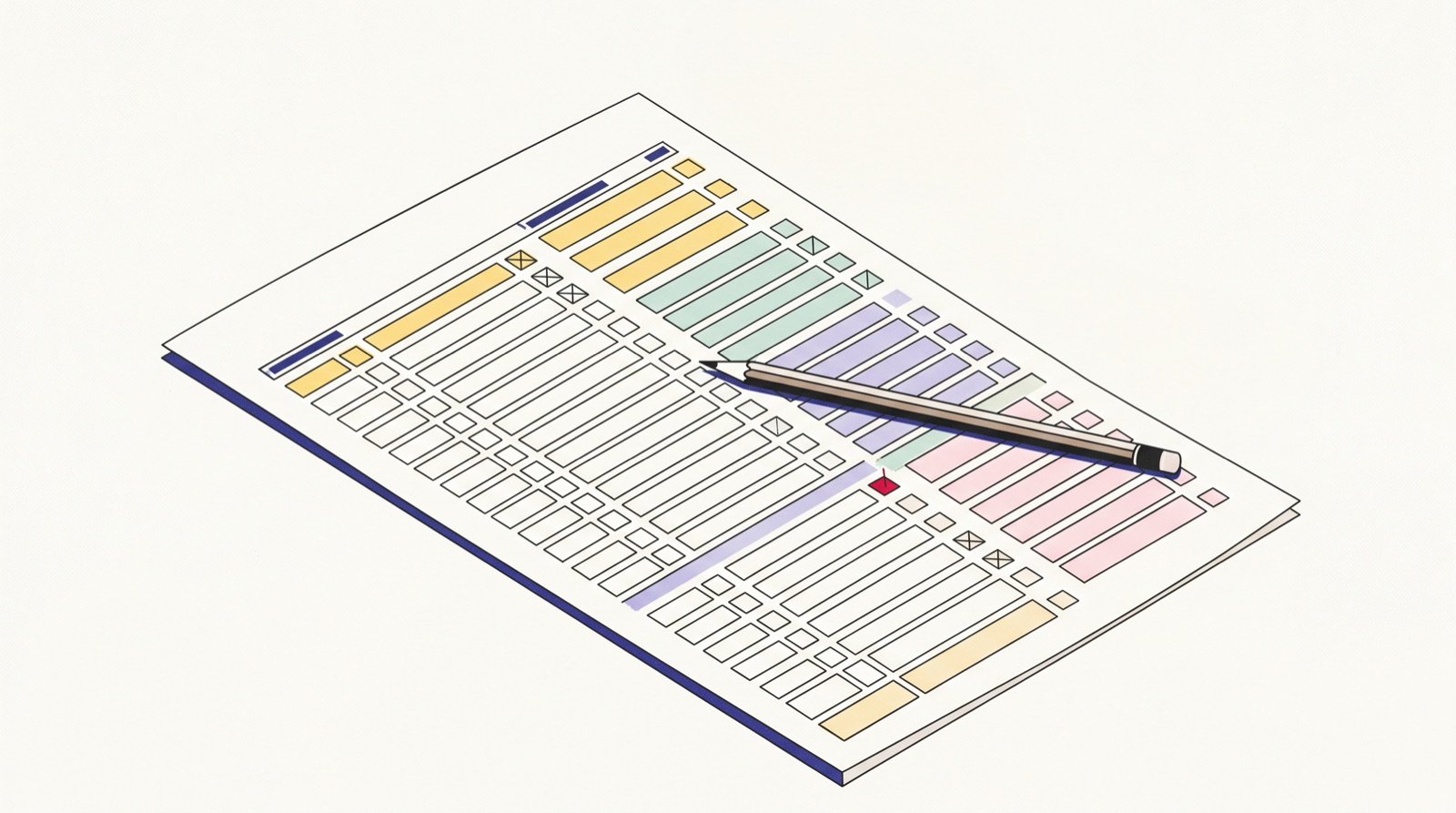
Start with households, not people
The single structural decision that makes everything downstream easier. A guest list row is a household with a party size, not a person.
The columns you actually need
Name, party size, side, group, contact, address, RSVP status. Why each one earns its place, and what each is for later (invitations, seating, thank-yous).
The columns people add and never fill in
Be honest about which ones are a waste of time.
Splitting the list between two families
The allocation conversation, and how to have it before anyone writes a name down.
The A-list and B-list question
Short version; link to the cutting post.
Free template
The download, with the columns pre-built and the head-count formula already in it.
Where the spreadsheet breaks
It works until replies start arriving — then you are transcribing emails into rows and recounting by hand. That is the bridge to the product.
How to Chase Wedding RSVPs Without Being Annoying
A chasing schedule that works, message templates for each round, and how to automate the reminders so you are not the one sending them.
Run Your Wedding Guest List by Talking to It
Add guests, change party sizes and check who has not replied by asking, from the same assistant you already have open — no spreadsheet, no forms.
RSVPs for a Destination or Multi-Day Wedding
Why a single yes-or-no does not work when there are three events, how to collect per-event replies, and the earlier timeline a destination wedding needs.